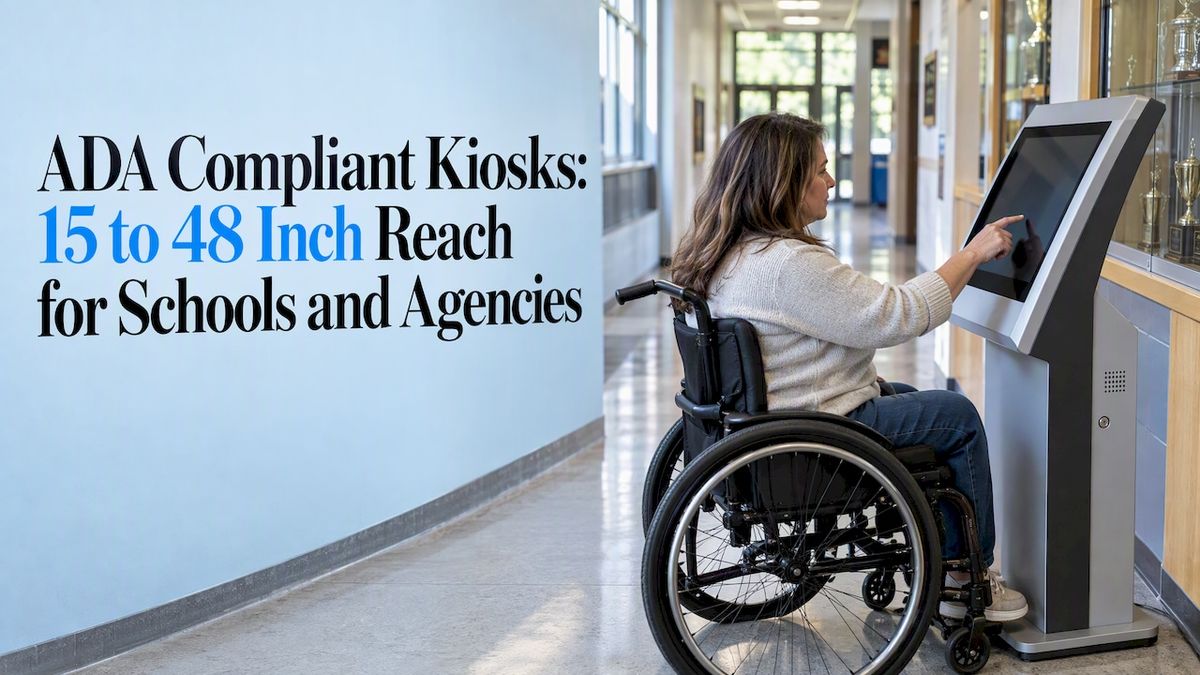
Yes, kiosks that deliver public programs or services must be accessible. Follow the 2010 ADA hardware rules for the physical unit, WCAG 2.1 AA for the software, and Section 508 and Access Board guidance for self-service machines, all anchored by ADA Title II. Your first move is simple: inventory every kiosk you run, then schedule site surveys and software audits.
TL;DR:
- Controls within the unobstructed 15 to 48 inch reach window must work with one hand, without tight grasping, pinching, or wrist twisting.
- Kiosk software needs speech output, private listening, keyboard access, visible focus, readable contrast, clear errors, and captions; a phone proxy cannot replace the kiosk.
- Survey each site during its busiest hour, then test speech audibility, screen glare, maneuvering space, and protruding objects under daylight and nighttime conditions.
- Public entities must meet updated Title II requirements by April 24, 2027; inventory kiosks, prioritize barriers to transactions, test with disabled people, and document remediation.
- Procurement contracts should require WCAG and Section 508 conformance statements, a VPAT or ART output, third party testing, and explicit installation specifications.
Touchstone-dsMake School Achievements AccessibleTouchstone creates interactive Digital Hall of Fame displays that help schools celebrate academic and athletic achievements and connect their communities.Explore Touchstone
Table of Contents
- What is the quick checklist for ADA compliant kiosks?
- What physical dimensions do ADA kiosks need to meet?
- How do WCAG and Section 508 apply to kiosk software?
- What should you check when installing a kiosk?
- How do you build a compliance process and meet the deadline?
- How do our touchscreen bundles fit accessible deployments?
- Why does accessibility-first design pay off?
- FAQ
- Sources
What is the quick checklist for ADA compliant kiosks?
Use this to triage every unit before you dig into detail.
- Hardware: Confirm reach ranges, clear floor space, tactile controls, and a private listening option such as a headphone jack.
- Software: Check speech output, color contrast, keyboard access, labels, and logical focus order against WCAG 2.1 AA.
- Site: Measure maneuvering space, test ambient noise and lighting, and look for protruding objects along the approach.
- Testing and records: Run user testing with people with disabilities, commission a third-party audit, and keep a written remediation plan with dated records.
Treat the list as a screen, not a certificate. A kiosk that passes the checklist still needs the measured checks below.
What physical dimensions do ADA kiosks need to meet?
Facilities teams can verify these on a tape measure. The Revised Section 508 kiosk statement and the Access Board’s operable parts guidance set the limits, which the Access Board’s SSTM materials compare to ATM and fare machine rules.
Side reach follows the same 15 to 48 inch vertical window when unobstructed, and obstructed side reach has its own tighter limits that you should check against the standard for your layout. Operable parts must work with one hand and must not require tight grasping, pinching, or twisting of the wrist.
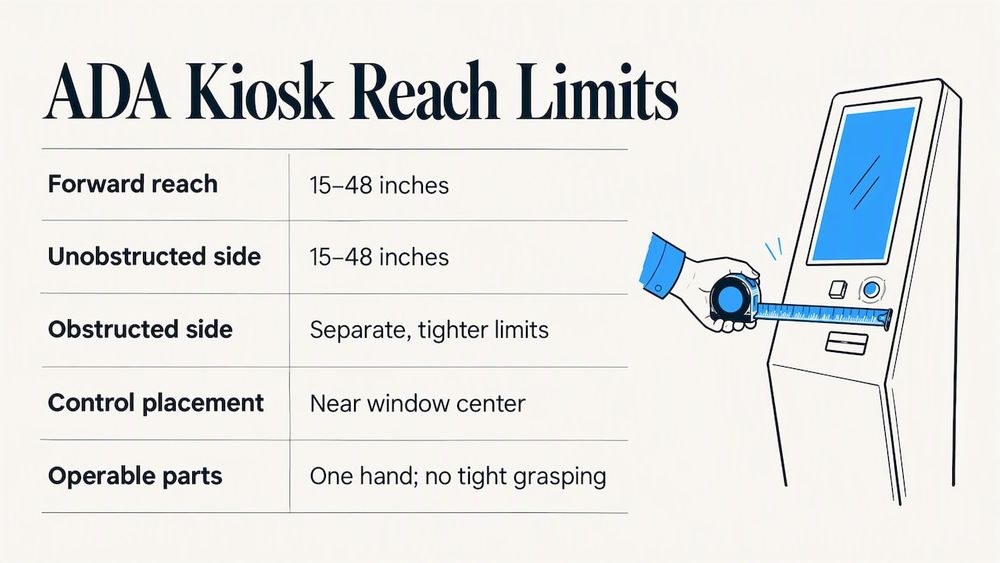
Pro Tip: Mount the primary controls near the center of the 15 to 48 inch window, not at its edges, so more users can reach them comfortably.
How do WCAG and Section 508 apply to kiosk software?
WCAG 2.1 AA is the working standard for kiosk interfaces. Section 508 reaches the same place: its ART requirements say software and user interface components must meet Level A and Level AA success criteria, substituting “software” for “web page” when the app is not web-based.
Hand your development team these checks:
- Speech output that presents all on-screen information where the kiosk is closed to outside assistive technology, with volume control and private listening.
- Contrast and character size that stay readable in bright and dim rooms.
- Full keyboard operability, a logical focus order, and visible focus indicators.
- Clear labels and error messages that tell users how to fix a problem.
- No reliance on color alone to convey status.
- Captions for any synchronized audio.
A mobile proxy, where users complete the task on their own phone, can supplement a kiosk. It cannot replace one, because not everyone carries a phone or can use it independently.
What should you check when installing a kiosk?
Hardware that passes in a catalog can fail in a hallway. The Kiosk Manufacturers Association stresses treating compliance as hardware, software, and installation together, and testing contrast and audio in both daylight and night conditions.
- Survey the approach: decide whether users reach the kiosk from the side or the front and confirm the clear floor space for it.
- Measure ambient noise and lighting at several times of day, then test speech audibility and screen glare on site.
- Look for protruding objects and keep knee and toe space clear when you rely on obstructed forward reach.
- For outdoor units, plan weatherproofing, glare control, and an accessible route to the screen.
Pro Tip: Run your site survey at the busiest hour, not at opening. Crowd noise is what your speech output actually has to beat.
How do you build a compliance process and meet the deadline?
Public entities have until April 24, 2027 to meet the updated Title II requirements, and the UC Davis summary of the rule confirms WCAG 2.1 AA as the technical standard. Work backward from that date.
- Inventory every kiosk and rank each by how critical its public function is.
- Prioritize fixes that block transactions or exclude users, and use temporary accommodations while you remediate.
- Test with automated WCAG scans, manual keyboard and screen reader passes, and sessions with people who have a range of disabilities.
- Remediate hardware and software defects found in testing, then retest the same units.
- Document audits, plans, and outcomes so you can show good-faith progress.
Standards for fixed self-service machines are still evolving, and the rulemaking entry shows supplemental guidelines in progress, so build review into your calendar.
How do our touchscreen bundles fit accessible deployments?
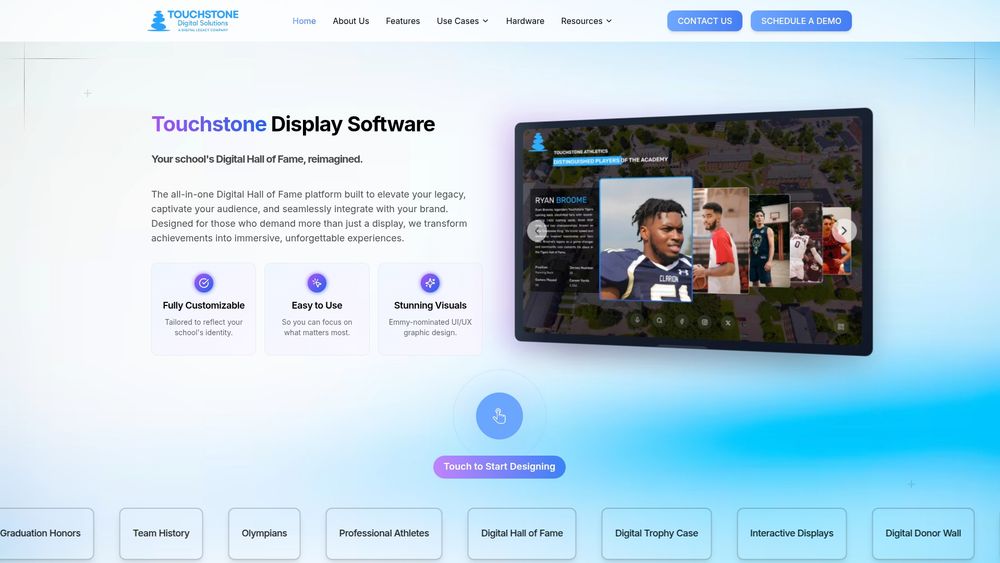
If you are buying for a school, we offer hardware and software for digital recognition displays. Our Wall Mounted and Floor Standing Touchscreen Bundles offer wall-mounted and floor-standing options, and our Touchscreen Software gives you a customizable interface you can specify against your accessibility checklist.
- Wall mounted bundles are listed at $3,100 to $4,900, and floor standing bundles at $3,550 to $4,300, both one-off.
- Share your reach, speech output, and contrast specifications with us before you buy.
- Ask us for an accessibility-focused demo so your facilities and IT teams can test it first.
Tell us what your procurement documents require, and we will walk through our setup with you.
Why does accessibility-first design pay off?
I have seen accessibility treated as a late-stage patch, and it is always the costliest way to do it. Designing for reach, audio, and keyboard use from the first sketch avoids expensive retrofits and reduces legal exposure, and it makes the kiosk easier for everyone, including the parent with a stroller and the student with a sprained wrist. Start your inventory this week and book the audit.
— Lyayo
FAQ
Are kiosks required to be ADA compliant?
Yes, when a public entity or public accommodation offers programs or services through them. Under ADA Title II, qualified individuals with disabilities cannot be excluded from programs delivered by kiosk.
Does WCAG apply to kiosk software?
Yes. WCAG 2.1 AA is the standard the Title II rule points to for digital interfaces, and Section 508 applies the same Level A and AA criteria to non-web software.
What is the compliance deadline for public agencies?
Public entities have until April 24, 2027 to meet the updated Title II requirements for web, mobile, and kiosk accessibility.
How should we test a kiosk for accessibility?
Combine automated WCAG scans, manual keyboard and screen reader checks, and sessions with people who have different disabilities. Add an on-site survey of reach, noise, and lighting, and keep written records.
Sources
Keep these open during planning:
In every RFP, require a conformance statement for WCAG and Section 508, a VPAT or ART output, third-party accessibility testing, and explicit installation specifications in the contract. For next steps, finish your inventory, pilot remediation on one kiosk, and book a user-testing session.