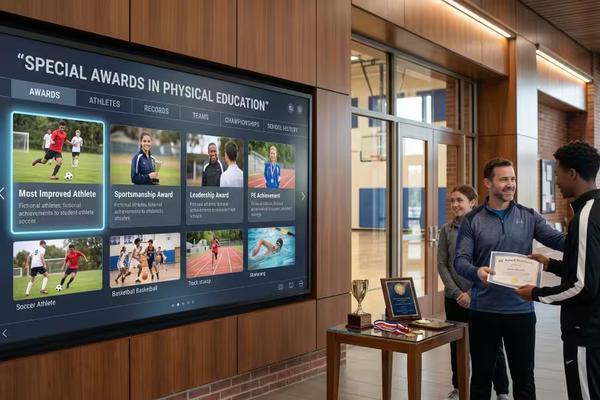
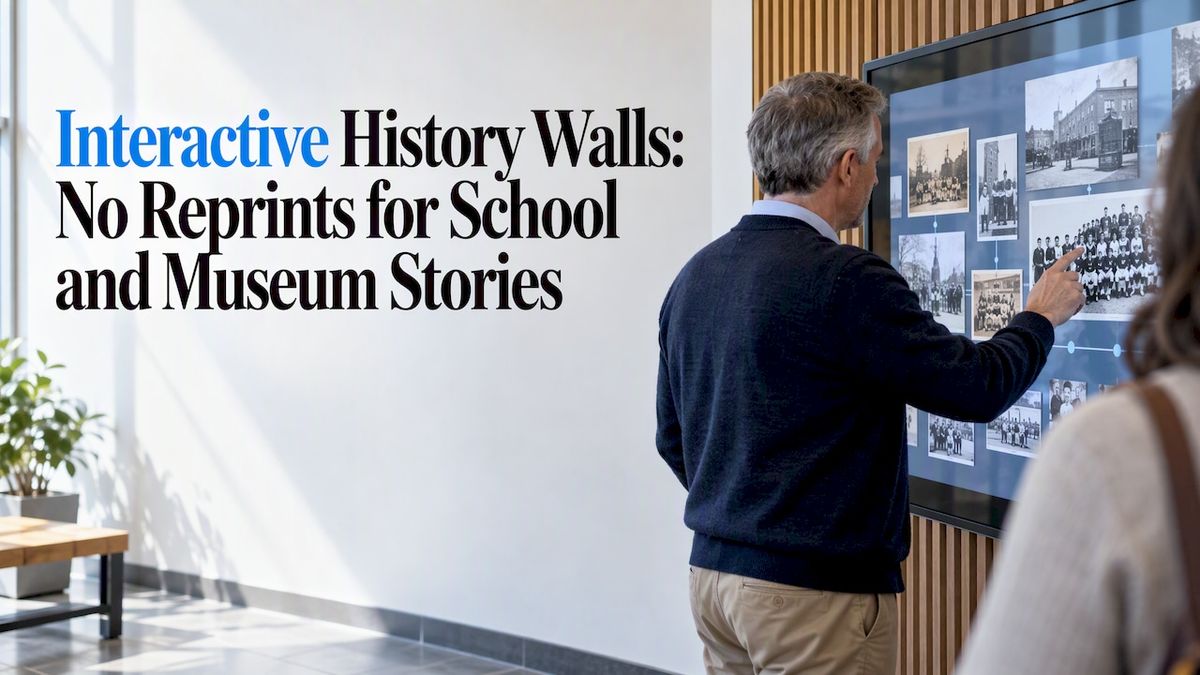
An interactive history wall is a touch-driven display that lets visitors explore an organization’s milestones, artifacts, and stories along a digital timeline. It works best for schools, museums, and institutions with a long story to tell. Visitors can explore content interactively, and your team can update it without reprinting anything.
TL;DR:
- Offer multitouch browsing, filters by theme, person, or place, and spatial or media views; research found varied browsing categories increase dwell time.
- Choose a chronological structure for a steady institutional story or thematic entry points for collections; cluster minor events and layer summaries before archival detail.
- Digitize high impact photographs and oral histories first, then add rarer records in batches by decade or theme; capture titles, dates, people, locations, and rights.
- Wall mounted bundles cost $3,100 to $4,900, while floor standing bundles cost $3,550 to $4,300; plan for placement, reach, and power.
- Measure dwell time, repeat visits, and opened content, but keep interaction logs anonymous and securely stored rather than tying them to visitors.
Touchstone-dsBring Your School’s History to LifeTouchstone creates customizable, interactive Digital Hall of Fame displays that help schools showcase achievements and connect their communities.Explore Touchstone displays
Table of Contents
- Which interactive features and navigation modes belong on your wall?
- How should you structure the story on a timeline wall?
- What should you digitize first, and how do you manage updates?
- Which hardware and mounting options work best?
- How do you integrate, maintain, and keep the wall accessible?
- What do real interactive history walls look like?
- How do you measure engagement and move from idea to launch?
- Why do interactive walls matter for schools and museums?
- Build a history wall your community will return to
- FAQ
- Sources
Which interactive features and navigation modes belong on your wall?
Start with the interactions visitors will actually use. A strong timeline responds to touch the way a phone does, and it should handle more than one person at a time. The National Museum of American History’s multitouch tabletop timeline is a useful model: a long scrollable timeline where touching an event opens descriptions, images, and related objects.
Build these into your plan:
- Multitouch timeline: scroll, pinch, and zoom, with room for several visitors at once.
- Filters and search: let people narrow events by theme, person, or place.
- Map or spatial browsing: useful when your story spans campuses, cities, or regions.
- Rich media: tapping an event can reveal photos, video, audio clips, or a 3D object.
Research backs the variety. A study of an interactive dance archive installation found that browsing by thematic, chronological, or spatial categories increases dwell time, and its interaction logs show visitors favor content with personal or local meaning.
How should you structure the story on a timeline wall?
Pick the spine of your narrative before you pick a layout. A chronological timeline suits organizations whose story is a steady climb: founding, growth, landmark years. A theme-driven or modular layout fits collections where visitors arrive curious about one topic, such as athletics, alumni, or a building’s history.
Pace matters. Cluster minor events so a busy decade does not read as a wall of dots, and set visual anchors for the milestones you want everyone to see. Layer your content too. Give each event a one-line summary first, then a short story, then the deep dive with archival material. Visitors who want more can keep tapping, and everyone else is never buried.
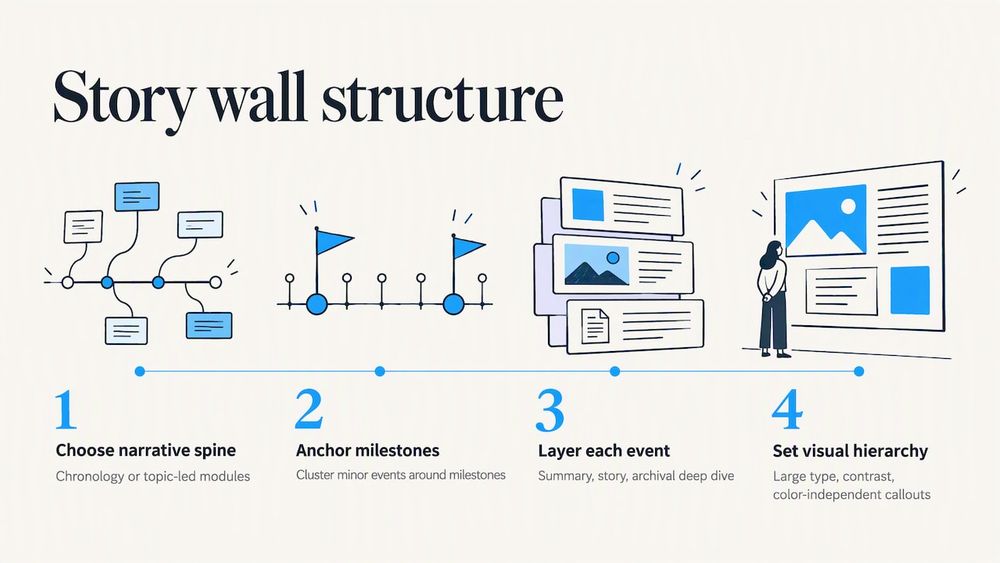
Keep the visual hierarchy simple. Use large, legible type, strong contrast between text and background, and callouts that don’t rely on color alone. If a visitor can’t read it from arm’s length, it needs to be bigger.
What should you digitize first, and how do you manage updates?
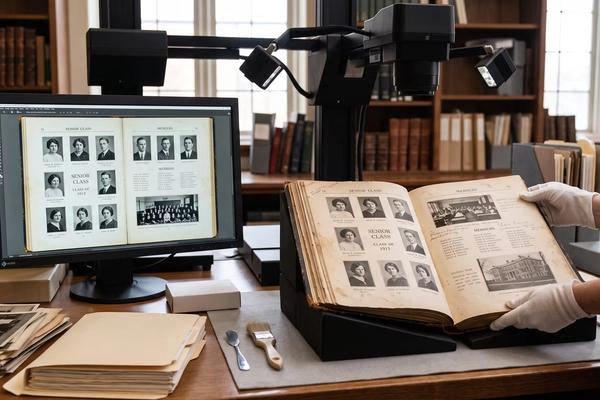
Start with the material that moves people: high-impact photographs and oral histories. Those carry emotion, and they make your first launch memorable. Rare documents and long records can follow in later phases.
For every item, collect a consistent set of fields:
- Title: the label visitors see first.
- Date: places the item on the timeline.
- People: powers person filters and search.
- Location: feeds map browsing.
- Rights: records who own the item and how you may display it.
A content management system turns this into a routine. Schedule seasonal features ahead of time, and set up a review step if you accept stories submitted by alumni or families. Our guide to best practices for high school digital archives goes deeper on metadata and priorities.
Pro Tip: Digitize in batches by decade or theme, so you can launch with a complete, polished section instead of a thin sample of everything.
Which hardware and mounting options work best?
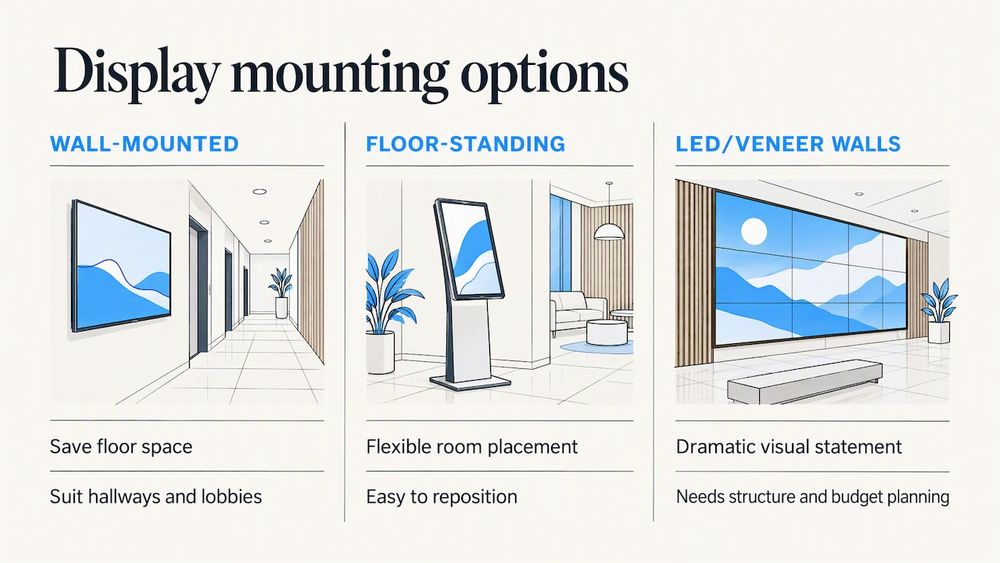
Your main choice is between wall-mounted and floor-standing displays. Wall-mounted screens save floor space and suit hallways and lobbies. Floor-standing units can be placed more flexibly in a room and are easier to reposition later. Larger LED or veneer-style walls make a dramatic statement but demand more planning around structure and budget.
Resolution matters when you show detailed archival photos, so 4K is worth prioritizing. Bigger screens also help when several people gather at once. Planar, for example, lists a range of touch screen monitors that show how broad the touchscreen category is.
Plan the practical details early: power outlets, cable routing, and any audio or video connections. For accessibility, think about mounting height, reach for wheelchair users, and touch targets large enough to hit easily.
How do you integrate, maintain, and keep the wall accessible?
Connect the wall to a single source of truth, either a digital archive or a content management system, so edits appear on screen without anyone touching the display. That keeps the wall current and cuts the workload for staff.
Accessibility deserves equal attention. Add captions to video, keep font sizes readable, and offer alternatives to touch where you can.
A simple maintenance routine covers most needs:
- Back up content on a regular schedule.
- Apply software updates.
- Clean screens and check mounts.
- Review interaction logs to see what visitors actually open.
If you collect those logs, keep them anonymous and store them securely. Never tie them to individual visitors.
What do real interactive history walls look like?
Real projects show which features to borrow. Logic&Form’s Interactive Wall combines a timeline, a map explorer, a record navigator, and multi-user interactions, with node visualizations and custom touches. Borrow its multi-user timeline if your space draws groups.
Night Kitchen Interactive’s natural science gallery work pairs animated touchscreen activities with immersive installations, including 4K projection and semi-transparent holographic touchscreens. Take from it the idea of themed entry points that give each visitor a reason to start.
For your own brief, write down three things: the interaction you want visitors to try first, the object or story that will anchor the wall, and the one feature you’d refuse to cut.
How do you measure engagement and move from idea to launch?
Track dwell time, interactions per session, repeat visits, and which content gets opened most. Interaction logs are what let researchers spot patterns like those in the dance archive study, and they will do the same for you.
A practical path to launch:
- Define goals and audience.
- Audit existing materials.
- Digitize priority items and fill in metadata.
- Run design sprints for layout and navigation.
- Choose and order hardware.
- Test with real visitors and fix rough spots.
- Launch, then review your metrics.
Small to medium projects often fit within a few months, with a content lead, a designer, and a technical contact sharing the work.
Why do interactive walls matter for schools and museums?
A history wall turns a hallway into a place where people stop, explore, and feel connected to a shared past. We specialize in interactive school displays, and our Emmy-nominated design work shapes how we make touchscreens easy and enjoyable to use. If you are weighing ideas for your own space, reach out for a consultation and we will talk it through with you.
— Lyayo
Build a history wall your community will return to
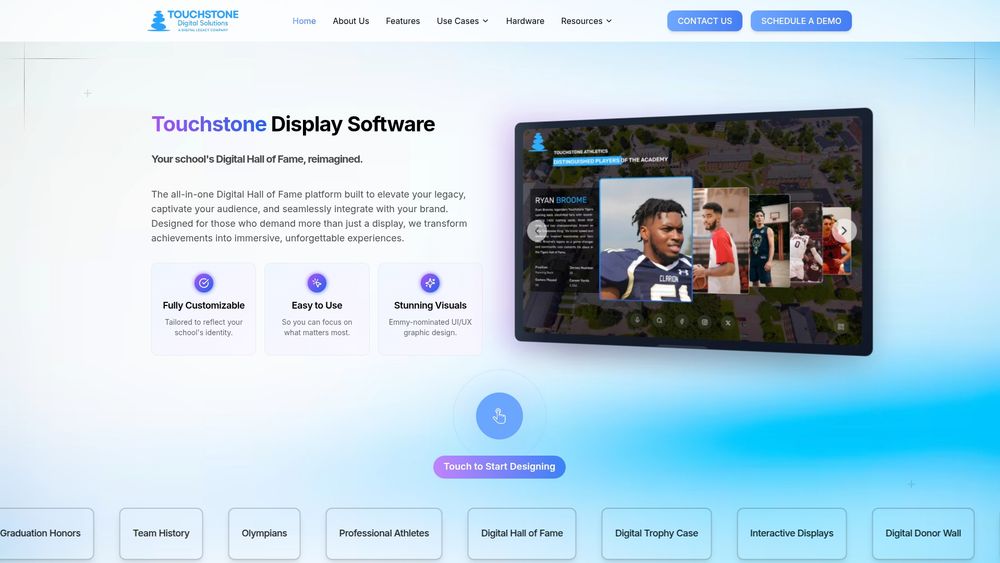
If you want a turnkey route, we offer Wall Mounted and Floor Standing Touchscreen Bundles, Touchscreen Software, and a Digital History Archive. Our wall-mounted bundles are listed at $3,100 to $4,900 and floor-standing bundles at $3,550 to $4,300, one-off on our hardware page. Here is what you get:
- Custom branding that reflects your school’s identity.
- Easy content updates through a cloud-based platform.
- Dedicated support from our family-run team.
Explore the Digital History Archive or request a demo to see it on screen.
FAQ
What is an interactive history wall?
It is a touchscreen or sensor-driven display that presents milestones, photos, and stories along a navigable timeline. Visitors tap, scroll, and filter to explore at their own pace.
How is it different from a static timeline panel?
A static panel is fixed once printed. An interactive wall lets visitors go deeper into any event, and your staff can change content without reprinting. Research on an interactive archive installation found that browsing options increase dwell time.
What content should go on it first?
Start with high-impact photographs and oral histories, plus the metadata that places them in time and space. Add rarer documents in later batches.
Can small schools or museums afford one?
Yes. A compact setup is a realistic starting point and can grow over time. Wall-mounted bundles from us are listed on our hardware page at $3,100 to $4,900.
Sources
- Dancing through Time: An Interactive Installation to Discover a Dance Audiovisual Archive
- Natural Cycles | Night Kitchen
- Interactive Wall Installation - Logic&Form