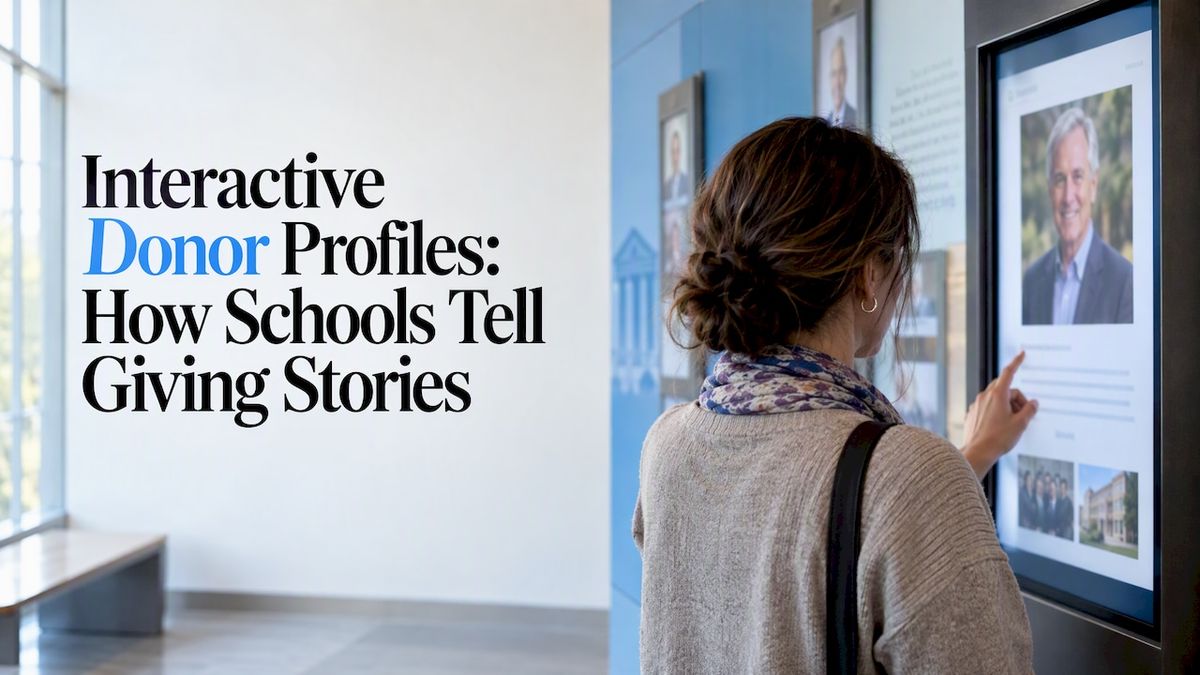
An interactive donor profile is a page on a touchscreen display that tells the story behind a gift. A visitor taps a name and sees a photo, a short biography, the reason the donor gave and, ideally, what the gift made possible. It replaces the static plaque, where a name and a tier were all you got. For schools, colleges and athletic programs, it is the most direct way to show donors that you know who they are and what their gift did.
This guide covers what a strong profile contains, how to collect the material without chasing people for months, how to handle privacy, and how to keep the whole thing current once it is on the wall.
Touchstone-dstouchstone-ds.comMake Donor Stories InteractiveTouchstone helps schools create customizable touchscreen displays that recognize achievements and bring their communities closer.Explore Touchstone
TL;DR
- A good interactive donor profile has five parts: a photo, a short bio, the donor’s reason for giving, the impact of the gift, and a way to find related stories.
- Donors respond to personal, specific recognition and to learning how their gift was used, so build profiles around impact, not just names.
- Get written consent for every photo, quote and amount shown, and offer an anonymous option.
- Start with 10 to 20 profiles from your most engaged donors, then add as gifts arrive. Cloud-based editing keeps the display current without new fabrication.
- Touchstone builds fully branded touchscreen donor walls with the hardware, software and support in one package.
Table of Contents
- Why a profile beats a name on a plaque
- What goes into an interactive donor profile
- Example profile layouts
- How to collect profile content without chasing people
- Consent, privacy and anonymous giving
- Connecting profiles to the rest of your donor data
- Choosing your naming and giving levels
- Design choices that make profiles easy to use
- Our perspective on donor profiles
- Where Touchstone fits
- Mistakes to avoid
- FAQ
- Sources
Why a profile beats a name on a plaque
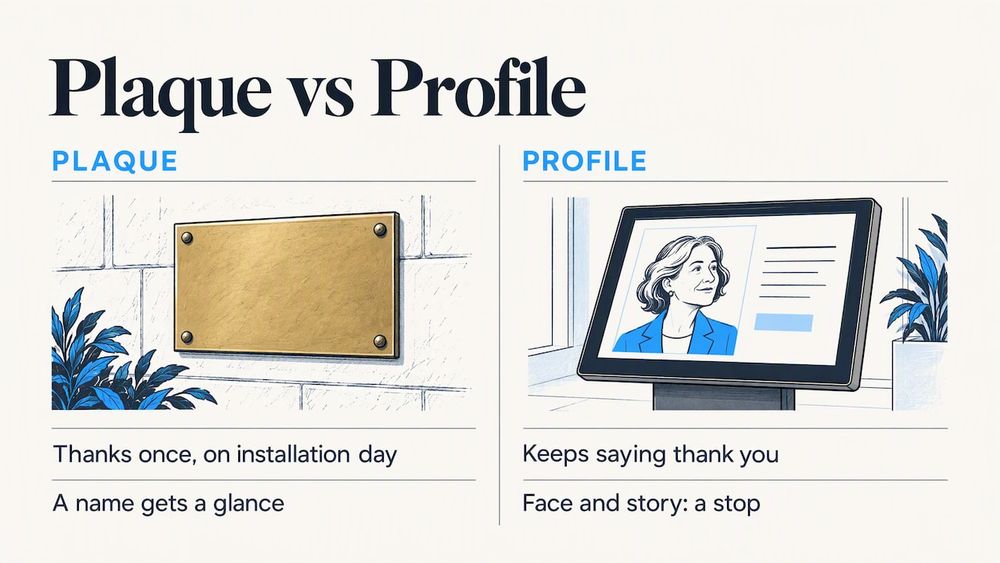
A plaque says thank you once, on the day it is installed. A profile can keep saying it. That difference matters because stewardship, the work of keeping donors connected after the gift, is what drives future giving. A donor stewardship overview from the University of Washington’s College of Arts and Sciences frames stewardship around two things donors want: timely acknowledgement and knowing how their gift was used.
The fundraising writer Penelope Burk has long made the same point. Her Donor-Centered Thank You Letters Project describes donors as wanting prompt, meaningful acknowledgement whenever they give. A profile on a wall is not a letter, but it follows the same principle: speak to the individual, not the crowd.
There is also a practical reason. A donor wall is one of the few places where your donors, their families, students and visitors all meet in the same room. A name on a list gets a glance. A face and a story gets a stop.
What goes into an interactive donor profile
Think of each profile as a short feature, not a database record. These are the building blocks, in the order most visitors want them.
The essentials
- Name and giving level, shown the way the donor prefers (individual, family, class year, business or in memory of someone).
- A photo. A current portrait works, but so does a yearbook photo, a family picture or a shot of the donor at a school event.
- A short biography, around 60 to 120 words. Connection to the school matters more than résumé.
The parts that make it personal
- Why they gave. One or two sentences in the donor’s own words beat anything your office can write for them.
- What the gift did. A new science lab, a scholarship for a named student, a bus for the track team, a renovated gym floor. Specific wins.
- A photo gallery or short video, if the donor is comfortable with it. A 30-second clip is plenty.
- A thank-you from a student, coach or teacher who benefited.
That last item deserves attention. The GIVE Arc framework describes a four-stage progression of Gratitude, Impact, Voice and Engagement. A profile can cover all four if you plan it that way: gratitude in the thank-you, impact in the gift description, voice in the donor’s quote, and engagement in a link to a way to give again or get involved.
Optional layers
- Timelines showing a donor’s giving history over the years, if they agree.
- Links between profiles, such as everyone who supported the same campaign or the same team.
- Class-year or program filters so alumni can find classmates.
Our own guide on what donor information interactive donor walls should display goes deeper on which fields to include and which to leave out.
Example profile layouts
Here are three common patterns, drawn from the way schools typically organize recognition. They are templates, not real donors.
| Profile type | Best for | Typical content |
| Individual donor story | Major gift donors, alumni | Photo, bio, reason for giving, impact of gift, quote |
| Family or legacy profile | Multi-generation giving, memorial gifts | Family photos, a short history, the named fund or space, a tribute |
| Business or sponsor profile | Local partners, athletic sponsors | Logo, a short description, years of support, what they sponsor |
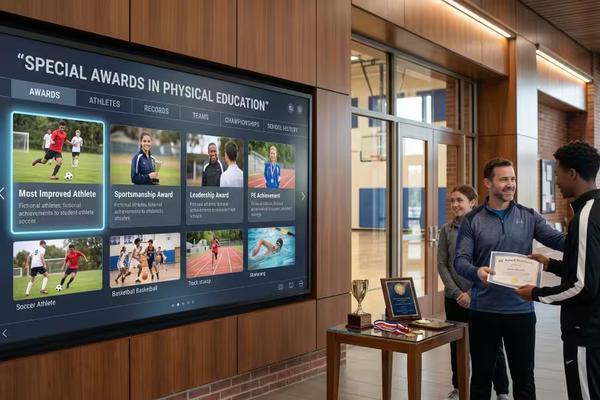
For athletic programs, a donor profile can sit next to the record boards and trophy displays on the same screen network. Fans who tap a trophy case entry can see who funded the new weight room that helped the team win. That crossover is one reason many schools run recognition on one platform instead of several separate ones.
How to collect profile content without chasing people
The biggest barrier is not the screen. It is gathering the material. A simple process keeps it moving.
- Pick your first group. Choose 10 to 20 donors you already know well, such as board members, campaign leaders and loyal annual givers. Launch with them rather than waiting for a complete database.
- Send a short, friendly request. Ask for three things: a photo, two or three sentences about why they give, and permission to share. Make it easy to reply by email or a simple form.
- Offer to write the first draft. Many donors will say yes if you do the work. Send the draft for approval before it goes live.
- Ask a student to help. Burk’s research highlights the pull of personal, student-led thanks. A stewardship resource on donor retention lists handwritten notes, calls from senior leaders and thank-you videos from beneficiaries among the ways to show appreciation. A short student video can live inside the profile.
- Set a refresh rhythm. Add new profiles after each campaign milestone, and review existing ones once a year.
This is where cloud-based content management earns its keep. If your advancement office can add a profile or fix a typo from a browser, you will actually keep the display up to date. If every change means a call to a fabricator, profiles go stale.
Consent, privacy and anonymous giving
Not every donor wants to be on a wall, and the ones who do may not want everything shown. Handle this before you build, not after a complaint.
- Get written permission for the name, photo, quote and any giving amount. Keep the form on file.
- Let donors pick how their name appears, including a family name or a tribute line.
- Offer an anonymous listing, or no listing at all, without any awkwardness.
- Never show contact details or home addresses on a public display.
- Give donors a clear way to ask for edits or removal, and act on it quickly.
- If a donor is also a minor’s parent, or the profile includes students, check your district or institution policy on photos and student information. Your school counsel or compliance office can confirm what applies to you.
None of this is complicated, but it is the part that protects trust. A donor who feels in control will be glad to share more.
Connecting profiles to the rest of your donor data
Most schools already store donor information in a CRM or advancement database. The display should not become a second place to type everything again. Research from Southern Methodist University’s data science program describes institutions consolidating engagement activity, giving history and relationship data in centralized platforms so teams can deliver the right message to the right donor at the right time.
The same paper offers a striking example of personalization at work: one university’s initiative sent nearly 4,500 personalized emails to prospective donors and raised over $118,000 in the first three months. That was email, not a touchscreen, so treat it as evidence that personal outreach works rather than as a forecast for a display. The lesson carries over, though. A profile is personal outreach that stays on, in the lobby, all year.
Practical tips for data handling:
- Decide who owns each field. Your development office keeps giving data accurate. Your communications team owns the stories and photos.
- Do not display giving amounts unless the donor has agreed. Showing a tier is usually enough.
- Use the same naming rules in the CRM and on the screen, so a donor is never listed two ways.
- For schools using a Blackbaud-style system, its knowledge base on creating and linking donor profiles shows how one vendor structures public profiles, which is useful as a model for your own fields even if you use something else.
Choosing your naming and giving levels
Profiles work best when tiers are clear and meaningful. If your levels read like a spreadsheet, the wall will too. We have written a short guide on naming your donor recognition levels. Names that connect to your mascot, your founding year or your school values feel like part of the community instead of a sales ladder.
A few ideas that work in schools:
- Tie levels to your school’s history, such as a founding decade or a landmark building.
- Use athletics language for booster programs: Starter, Captain, Hall of Fame.
- Keep four to six levels. More than that and the differences blur.
Design choices that make profiles easy to use
The touchscreen itself decides whether people engage. A few decisions matter most.
- Search first. Visitors come looking for a name, usually their own, a parent’s or a classmate’s. A large, simple search box beats a clever menu.
- Readable type. Use big text and strong contrast. The screen is read standing up, from an arm’s length.
- Short profiles. If a story needs scrolling, trim it or move detail into a video.
- Brand integration. Colors, fonts, mascot and photography should feel like your school, not a generic kiosk.
- Multi-device access. A profile that also works on a phone or a tablet lets donors share it with their family.
If you are comparing options, our guide to the top features to look for in digital donor wall software lists what to ask a provider, and our seven-step walkthrough for designing a digital donor wall covers the planning side from location to launch.
Our perspective on donor profiles
We build recognition displays for schools and universities every day, and the pattern is consistent: the schools that get the most from a donor wall treat it as a storytelling tool, not an installation project.
The screen is the easy part. What makes a visitor linger is a real photo, a real quote and a plain sentence about what the gift did. We encourage schools to start small, with a handful of strong profiles, and to let the wall grow with each campaign. A display with 15 excellent stories beats one with 500 names and no faces.
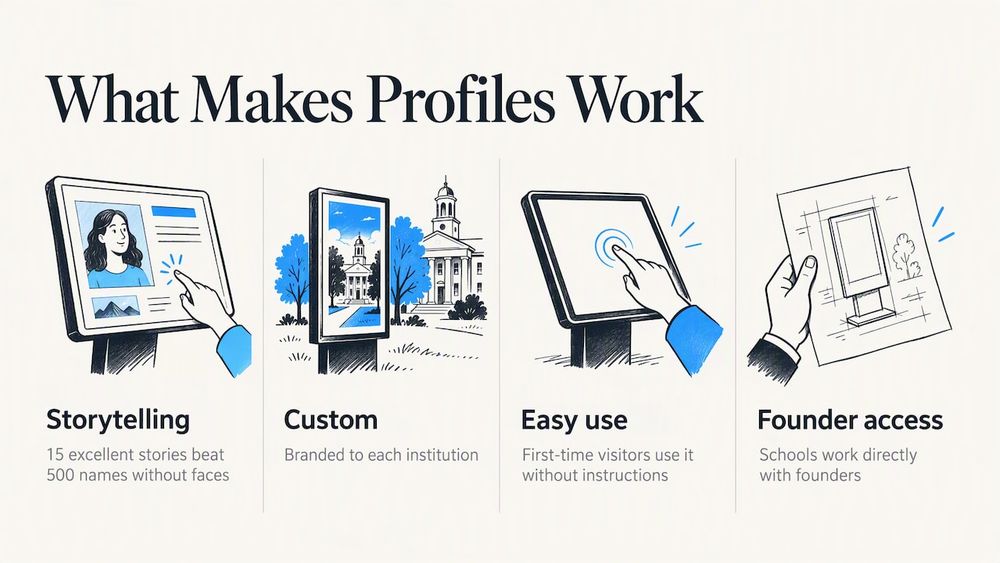
We also think recognition should look like the school it honors. That is why our displays are fully customizable and branded to each institution, and why our interface is designed by people with a gaming industry UI/UX background, so a first-time visitor can use it without instructions. We are a family-run business, and schools work directly with our founders, which means the person who designs your display is the person who answers your questions later.
One more point: donors notice when thanks is specific. If a profile can say which students a scholarship supported or which team uses the new field, it does what a plaque cannot. That is the whole point of going interactive.
— Gardner Gendron
Where Touchstone fits
If you are ready to move from an idea to a display, our Digital Donor Walls give you searchable donor profiles with photos, biographies and video, all managed through cloud-based software. Hardware is available as a bundle: the Wall Mounted and Floor Standing Touchscreen Bundles are listed at $3,100 to $4,900 and $3,550 to $4,300 respectively, as one-time prices. Software, design and ongoing support are handled by our team, and we do not charge maintenance fees.
Schools that already celebrate student achievements can run donor recognition on the same platform as their Digital Athletic Hall of Fame or record boards, so visitors move between stories of donors and the athletes and students their gifts support. You can also read our guide on how interactive donor recognition turns donors into donor stories, or browse more in our donor wall article library.
Mistakes to avoid
- Launching with hundreds of names and no stories. Start with depth, then widen.
- Writing every bio in the same corporate voice. Let donors speak in their own words.
- Forgetting the update plan. Assign a person and a date for the next batch before launch.
- Skipping consent. A wrong photo or an unwanted amount costs more goodwill than a missing profile.
- Hiding the screen. Place it where families and visitors already gather, such as the main lobby, near the gym entrance or outside the auditorium.
- Treating the display as the end of stewardship. The wall supports your thank-you calls, notes and events. It does not replace them.
FAQ
What is the difference between a donor wall and a donor profile?
A donor wall is the whole display: the screen, the software and the list of everyone recognized. A donor profile is one donor’s page inside it, with a photo, biography, quote and gift story. Most visitors reach a profile by searching a name or browsing a giving level.
How long should an interactive donor profile be?
Keep the written part to roughly 60 to 120 words, plus a photo and, if the donor agrees, a short video. The screen is read standing up, so brief and specific works best. Anything longer is better as a video or a linked gallery.
Do all donors need a full profile?
No. Many schools give every donor a name listing and reserve full profiles for major donors, campaign leaders and those who volunteer a story. You can expand over time, and donors who see the first profiles often ask to join.
Can donors stay anonymous on an interactive display?
Yes, and you should offer it. Let donors choose a full listing, a name only, a tribute line or no listing. Record the choice in writing and apply it consistently across the screen and your database.
How do we keep profiles up to date?
Use cloud-based content management so someone in your advancement or communications office can add or edit profiles from a browser. Set a schedule, such as after each campaign milestone, and review older profiles once a year for accuracy.
Sources
- Donor stewardship overview, University of Washington College of Arts and Sciences
- The Donor-Centered Thank You Letters Project, Volume 4, Penelope Burk
- The GIVE Arc: Why Relationships, Not Campaigns, Create Donors
- Stewardship and Donor Retention: Strategies for Sustaining Major Donor Relationships
- Southern Methodist University data science research on university fundraising
- Creating and linking donor profiles, Blackbaud knowledge base